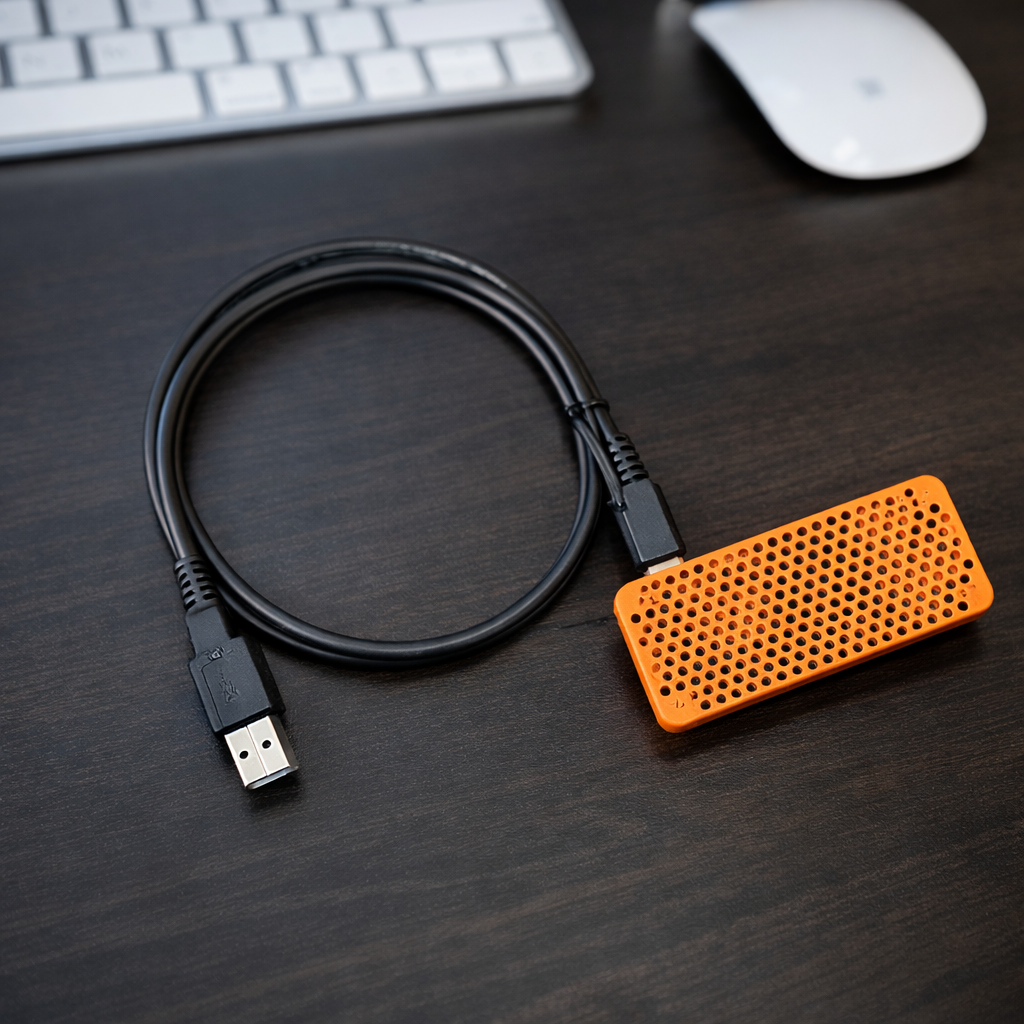
Two simple ways to access your miners remotely β no port forwarding, no complicated networking. Use the HashWatcher Hub if you donβt have an Umbrel server or an always-on PC, or run the Desktop Gateway on your Mac or Windows machine if you already have a computer that stays on.
Get your Hub online in ~60 seconds using HashWatcher
Connect the HashWatcher Hub to power and your local network where your miners are running.
Open the HashWatcher app and begin Hub setup. Connect the Hub to your WiFi and continue through the guided setup process.
Once linked, your miners are instantly accessible remotely through HashWatcher β wherever you are. No changes to your miner settings are needed after setup.
Turn your computer into a remote bridge (best for users with an always-on PC)
Install the HashWatcher Gateway on your Mac or Windows machine and instantly enable remote access.
Your computer securely connects your local miners to your HashWatcher app when you're away.
Use HashWatcher exactly like you would at home β full stats, dashboards, and controls.
Keep your computer running to maintain remote access β perfect for desks, servers, or home labs.
Whether you use the Hub or Desktop Gateway, HashWatcher gives you simple, reliable remote visibility β without networking headaches.